iPhone · iPad · Mac
Capture Log
The project journal that remembers everything for you.
Voice-to-log, meeting summaries written on your device, a timeline, actions, drawings and economy — in one place, in your own iCloud. Built for the people who walk the site, run the project and answer for the money.

What it is
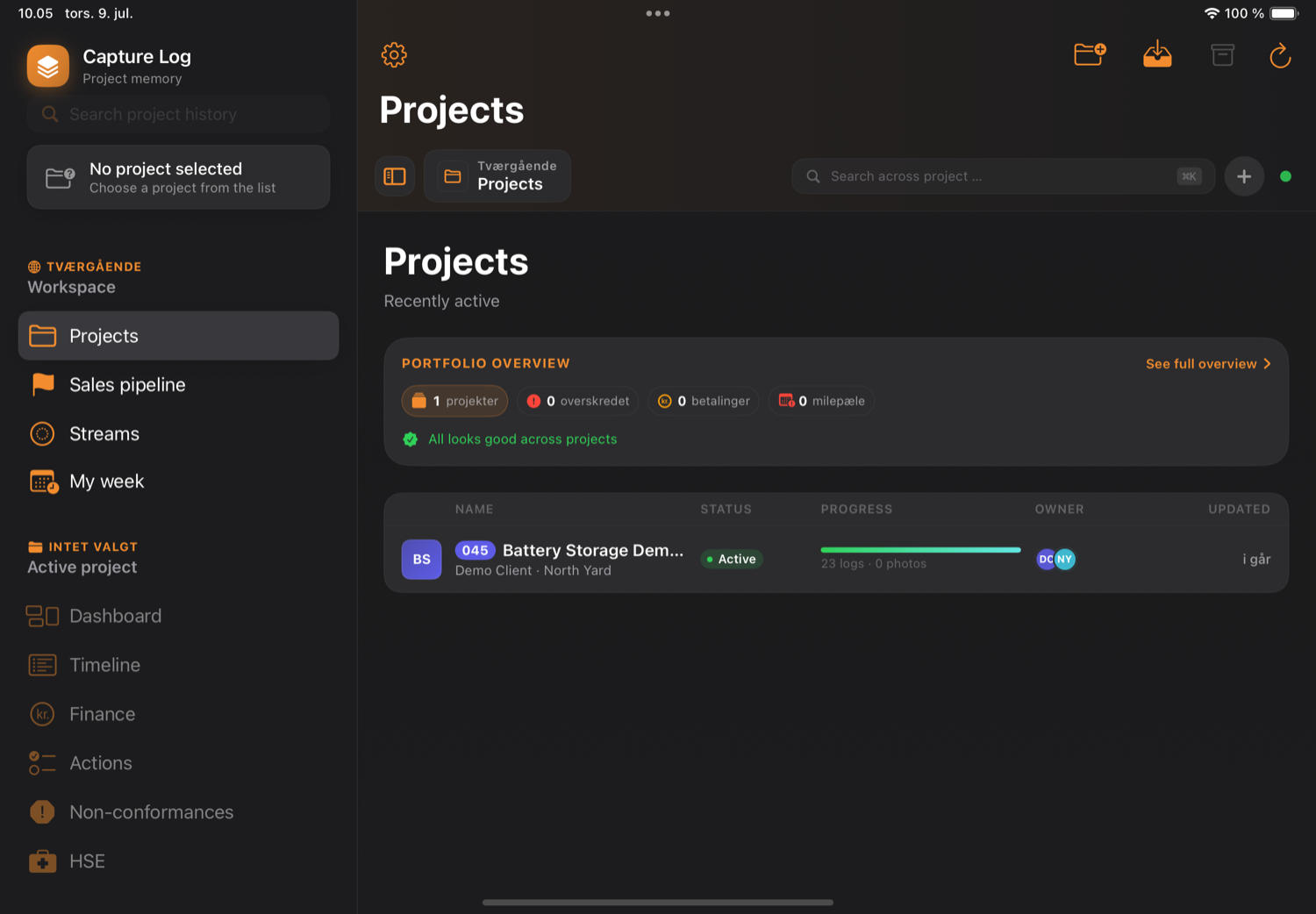
Instead of scattered WhatsApp threads, email chains and paper notebooks, everything about the project lives together in one timeline — meetings, photos, drawings, decisions, actions, files and economy. The intelligence runs on your device, so none of it leaves your iCloud.
One app, every part of the project
The modules a project actually needs — no bolt-ons, and no charge per person.
Timeline
One chronological feed of everything: log entries, meetings, photos, drawings, files, decisions and actions. Filter by category, severity, source or date.
Meetings, summarised
Record from the microphone or from system audio on a Mac. Apple Speech transcribes, and Apple Intelligence writes the summary, the decisions and the action items — on the device. You read it before it saves.
Voice capture
Tap the microphone on site, say what you see, and get a structured draft entry already filled in with title, body, category, severity, location and suggested actions.
Photos & drawings
Tag photos by category so they group themselves. Mark up PDF drawings with Apple Pencil without touching the original — the revision history keeps every older version reachable.
Economy
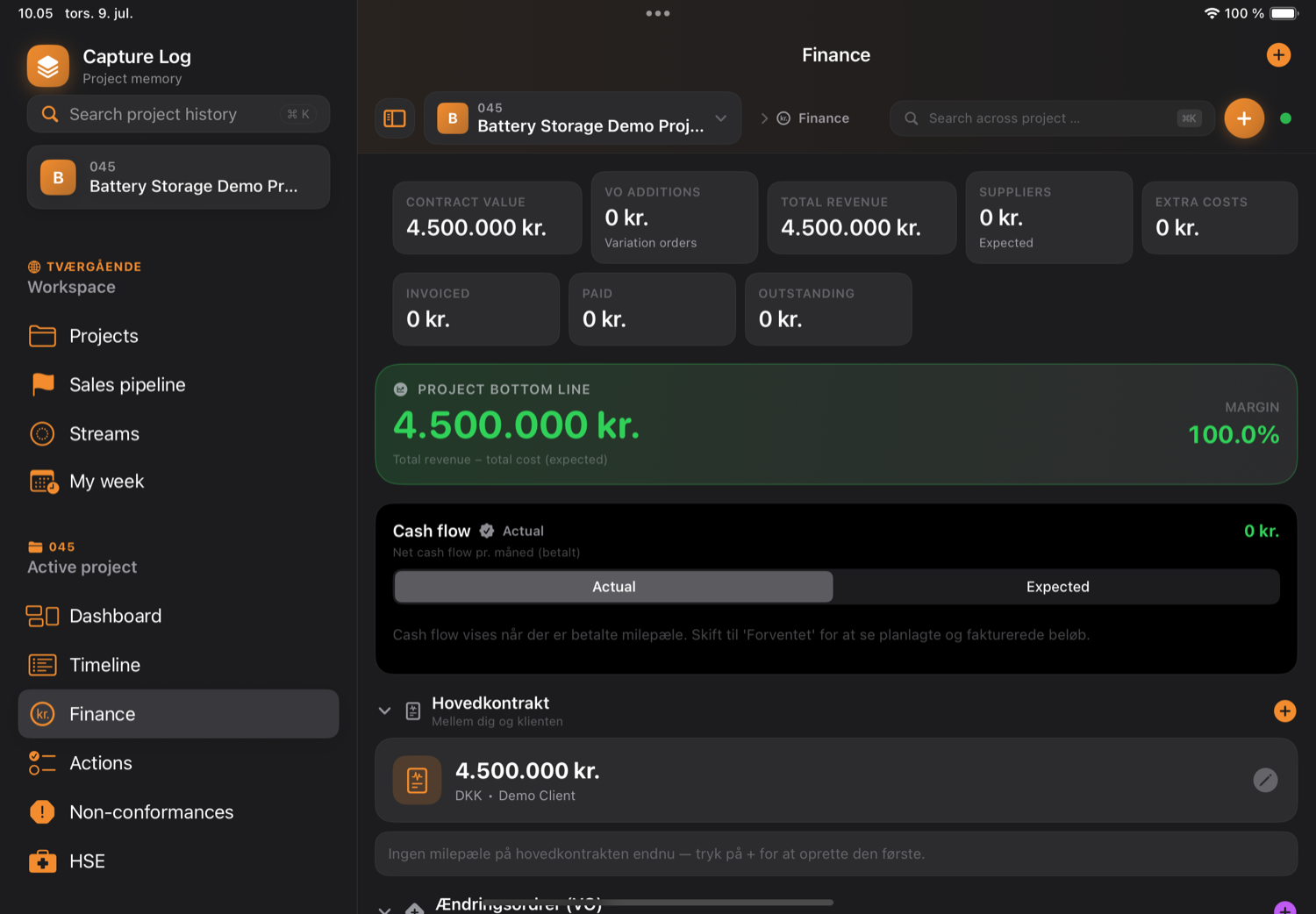
Main contract, payment milestones, variation orders, extra costs and suppliers, drawn as a cash-flow waterfall with a live bottom-line card. Multi-currency.
Actions tracker
A tracker across every project, filled in automatically from meeting transcripts. Buckets for Overdue, Today, Waiting on me, Waiting on others, Blocking and Done this week.
Portfolio & reports
A cross-project dashboard with KPIs and a written executive summary. Monthly reports as PDF, Word or PowerPoint, and a Project Memory Report laid out like a magazine.
Project package
Export the whole project as an ordinary ZIP with the same folder tree you see in the app. It opens on macOS, Windows and Linux — hand it to anyone, with nothing locked in.
Search everything
A command palette across every entry, meeting, action, photo, drawing, file and note, in every project. Full text, and forgiving about spelling.
Also included: handwritten notes with Apple Pencil, streams and a sales pipeline, team sharing with per-module permissions, backup and restore, and a Home Screen widget.
A day on site
Capture now, structured automatically
-
1
Speak it on the walk
Say "snag at transformer T1, missing labelling" and the app drafts the entry, the category and the severity.
-
2
Photograph the defects and the progress
Photos tagged Defect or Progress group themselves and land on the timeline before you leave site.
-
3
Record the meeting
The summary is written on your device and the actions pulled out. Tick the ones worth keeping — they go into the tracker.
-
4
Hand it over as a ZIP
Export the project package and send it by AirDrop, mail or a link. The client opens it on any computer.
Why Capture Log
Start free, upgrade once
Pro is available monthly, yearly or as a lifetime purchase.
iOS 18.6 or newer
iPadOS 18.6+ · Apple Pencil for handwriting
macOS 15 Sequoia+ · Apple Silicon for the AI features
The AI features need Apple Intelligence — an Apple Silicon Mac, or a recent iPhone or iPad. Every one of them has a plain, deterministic fallback, so nothing simply stops working without it.
Questions about Capture Log?
The full quick-start, the how-to guides and the troubleshooting live on the support page — and a real person answers the inbox.